Starting a programme
Education is part of the services catalogue. A programme is a service like any other: it has a responsible institution, it sits in a category, and requesting it produces a record. It differs in being free and in starting immediately, because there is nothing for a provider to accept, negotiate or invoice.
Finding it
Programmes appear at /services under the Education category,
priced Free. Filtering to Education alone shows what is on offer.
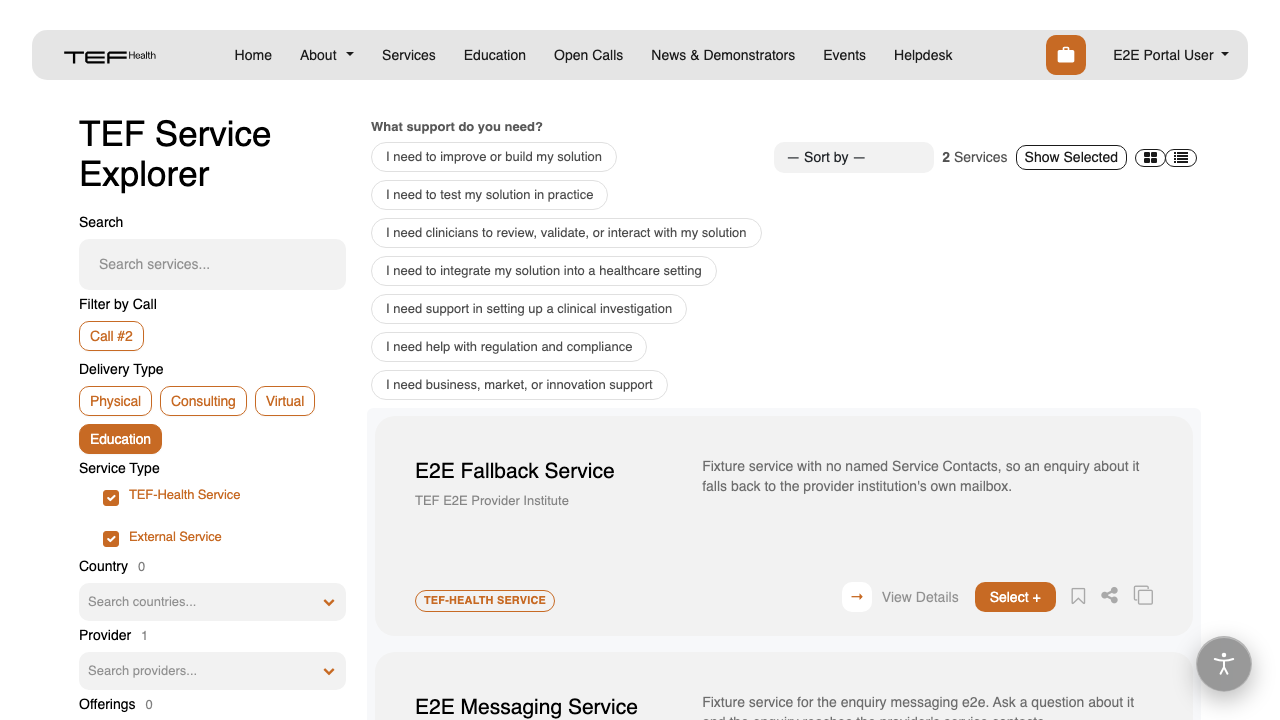
You can still browse the curriculum directly at /education.
Both doors lead to the same material.
Starting
Browsing is open to anyone. Course pages, lesson titles and durations are public and need no account.
Playing a recording needs two things: an account, and a one-off confirmation that starts the programme. The confirmation appears where the player will be, on the lesson you are already on.
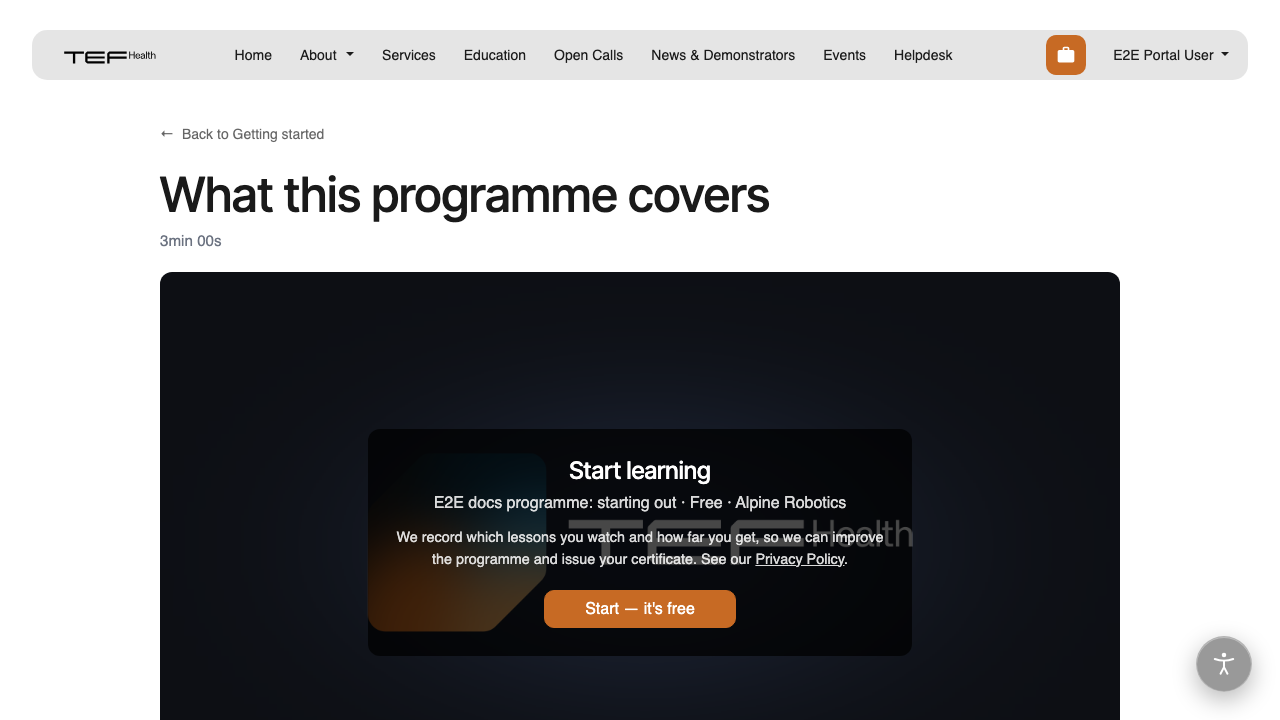
It tells you three things: which programme you are starting, that it is free, and that your progress through it is recorded so the programme can be improved and your certificate issued. The Privacy Policy covers what that means.
Choosing Start begins the programme and plays the lesson at the same address.
You are asked once per programme, not once per lesson. Every other recording in it plays straight away from then on.
What happens behind it
Starting creates a service provision naming the responsible institution, active from that moment, at no cost. It is what lets a completed course count as a service the platform delivered, and it is what your certificate is issued against.
You do not have to do anything with it. Your view of the programme stays
My learning on your dashboard, and your certificates under
/my/certificates. Enrolments are deliberately kept out of
the service-provision list, which is about contracts and acceptance and has
nothing to say about a free course.
If Start is missing
A programme can only be started once it names a responsible institution. Until then its lessons play for anyone signed in, and no record is created. If you are curating a programme and the confirmation never appears, that is the field to check.