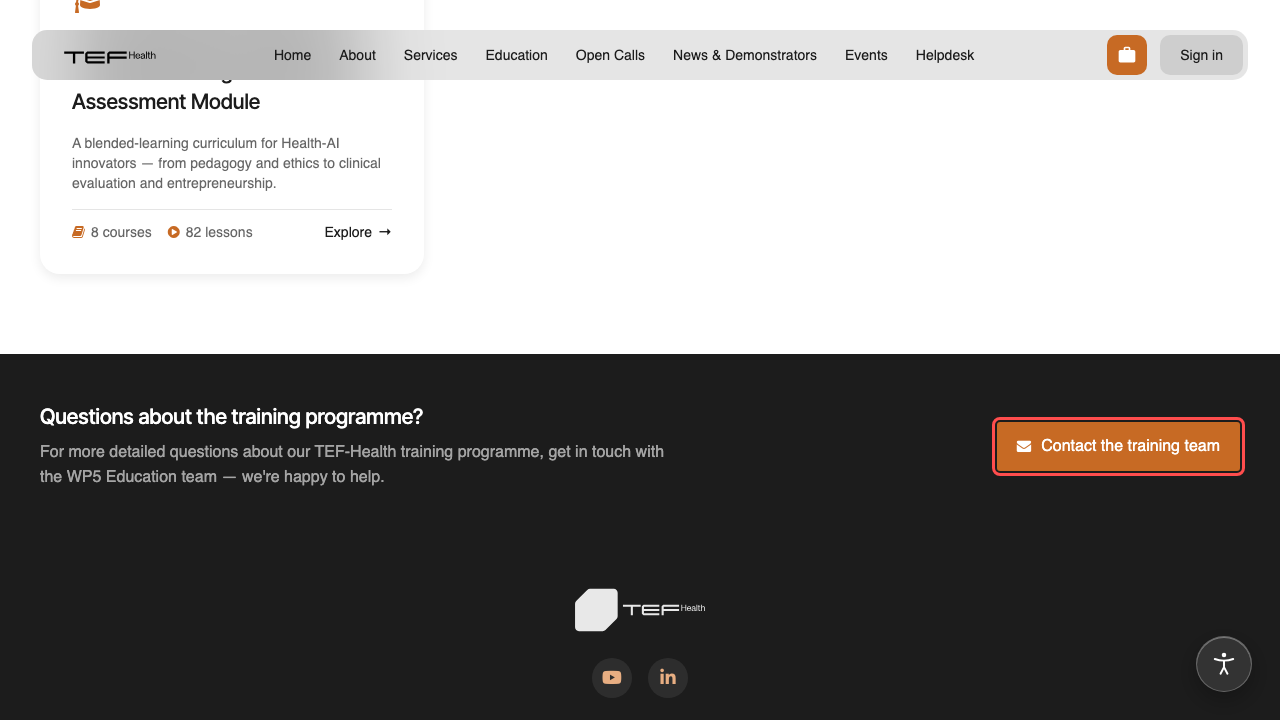
Viewing the curriculum
The curriculum is a public preview — anyone can explore the full structure and see every lesson's title, author and length. Watching a recording requires a login.
Browsing
- Open
/education. Each card is a learning track (Package) — for example AI for Innovation in Health: The Blended Learning and Innovative Assessment Module. - Click a track to see its courses (e.g. Introduction & Presentation, World of Health, Ethics).
- Click a course to see its lessons, grouped under their modules. Each lesson shows its author and duration.
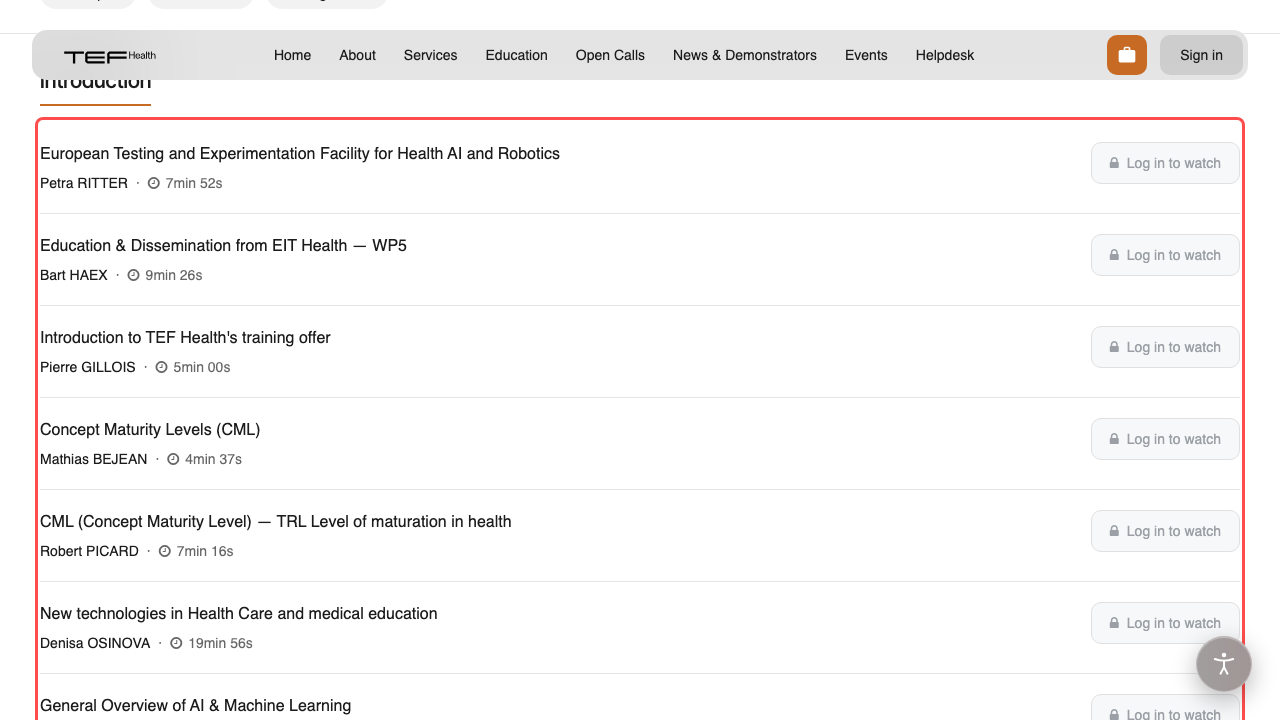
Use the breadcrumb at the top of each page to step back up a level.
Watching a recording
On a course page, a lesson with an available recording shows a Watch button.
- Logged in: the recording opens on its own watch page. Click the big play button in the centre to start; the standard player controls handle volume, seeking and full-screen.
- Not logged in: the button reads "Log in to watch". It sends you to the login page and brings you back to the recording afterwards.
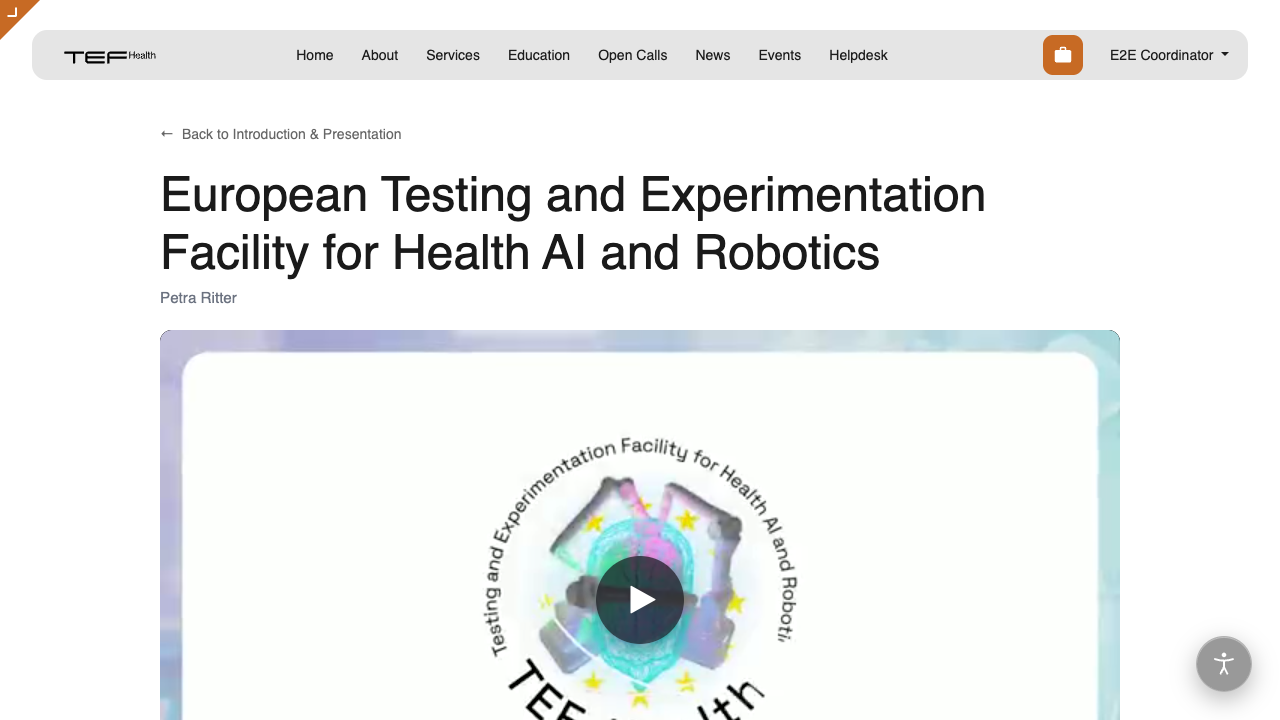
Why a login is needed to watch
The curriculum outline is open so anyone can see what's covered, but the recordings are reserved for registered learners. You only need a standard TEF-Health account — see Account & Access.
A lesson marked Recording will follow soon doesn't have a recording yet; its title is listed so you can see what's coming. The lesson counts on programme and course cards include only lessons you can watch.
Your progress is recorded
While you're signed in, we record how far you get through each lesson to help us improve the programme. It's kept for the programme team only — see the Privacy Policy.
Questions about the programme
At the foot of the Education page there's a contact link for the programme team — use it to ask anything about the training. It opens your mail app addressed to the team behind that track.