Call-Specific Review Criteria
Not every call is judged the same way. A standard AI/Robotics call (Call 1/2) and a Health Data Hub (HDH, Call 3) application ask for different things, so they are scored against different criteria, weights, and rating scales. When you open a review, the form automatically shows the rubric for that application's call — you don't have to pick anything.
How do I know which rubric I'm using?
Open the review and look at the tabs. A call with its own rubric shows a single Evaluation tab listing every criterion in one table. A standard AI/Robotics call shows the classic Solution description and TEF Health needs tabs instead.
Standard AI/Robotics calls (Call 1/2)
These reviews use the familiar criteria, each rated on a 1–7 agreement scale (Strongly Disagree → Strongly Agree):
| Criterion | Weight |
|---|---|
| Novel solution | 7.5% |
| Feasible timeline | 7.5% |
| Unmet medical need | 10% |
| Technical soundness | 15% |
| Service alignment | 15% |
| EU market support | 10% |
| TRL improvement | 20% |
Health Data Hub calls (Call 3)
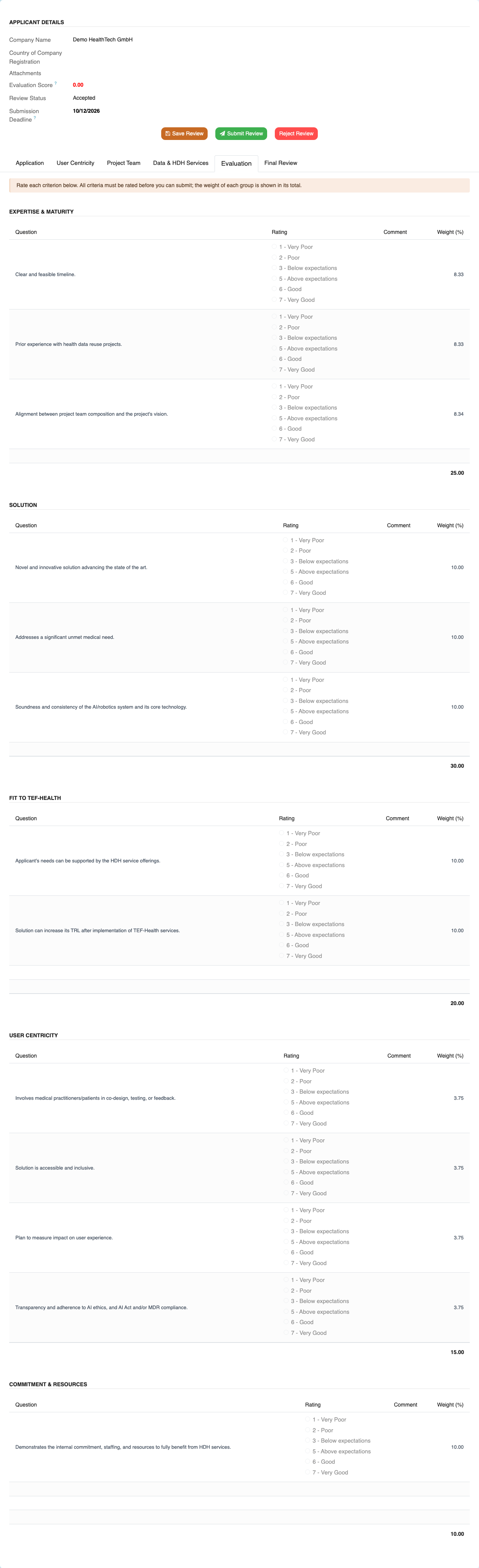
HDH reviews use the criteria below, rated on a 1–7 quality scale (Very Poor → Very Good). They are grouped into five themes and the weights add up to 100%:
| Theme | Criterion | Weight |
|---|---|---|
| Expertise & Maturity | Timeline | 8.33% |
| Expertise & Maturity | Prior experience with health data reuse | 8.33% |
| Expertise & Maturity | Team alignment | 8.34% |
| Solution | Novel solution | 10% |
| Solution | Unmet medical need | 10% |
| Solution | Technical soundness | 10% |
| Fit to TEF-Health | HDH service fit | 10% |
| Fit to TEF-Health | TRL improvement | 10% |
| User Centricity | User involvement | 3.75% |
| User Centricity | Accessibility | 3.75% |
| User Centricity | Impact measurement | 3.75% |
| User Centricity | Ethics & compliance (AI Act / MDR) | 3.75% |
| Commitment & Resources | Commitment and resources | 10% |
What the Call 3 review form looks like
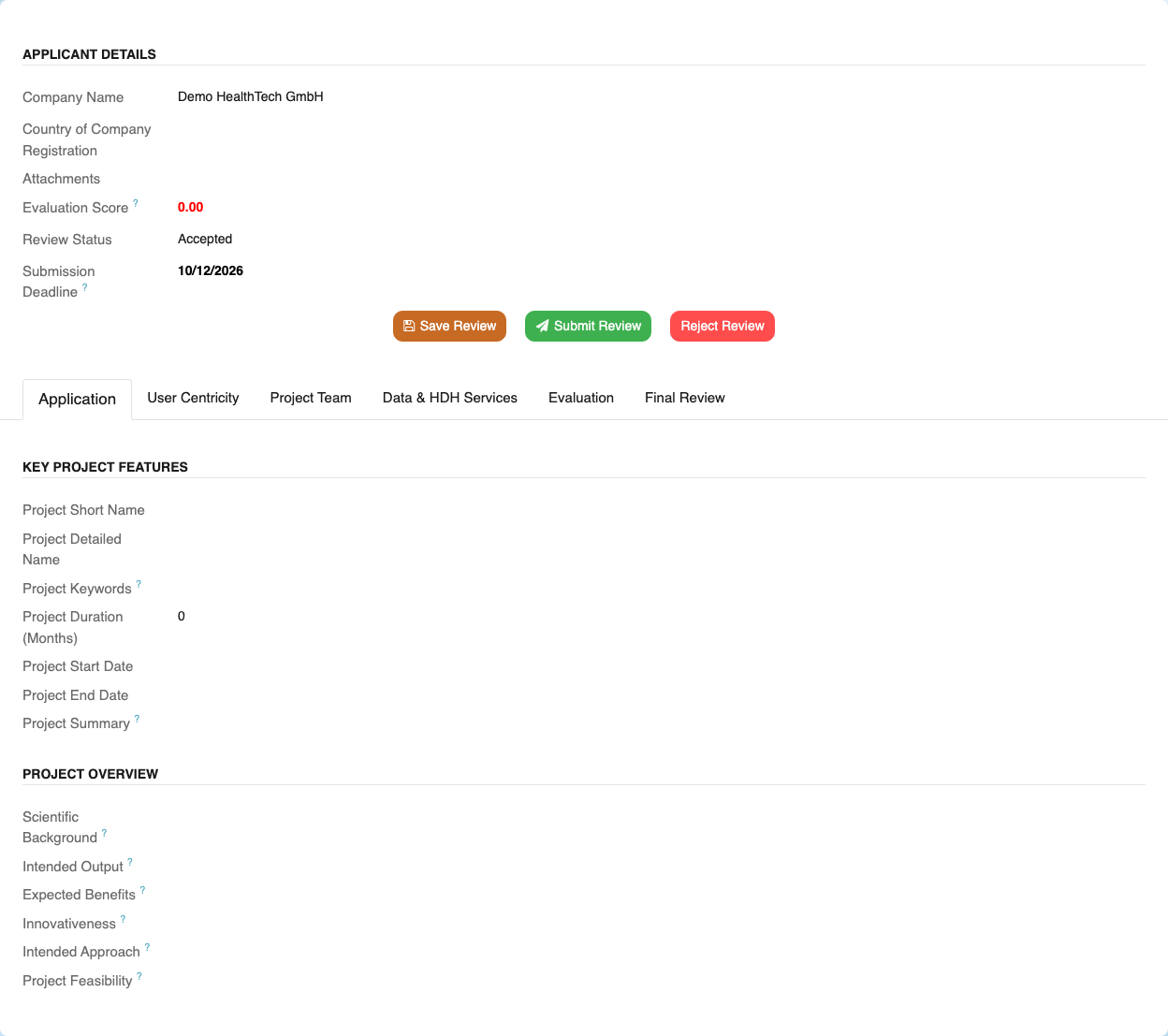
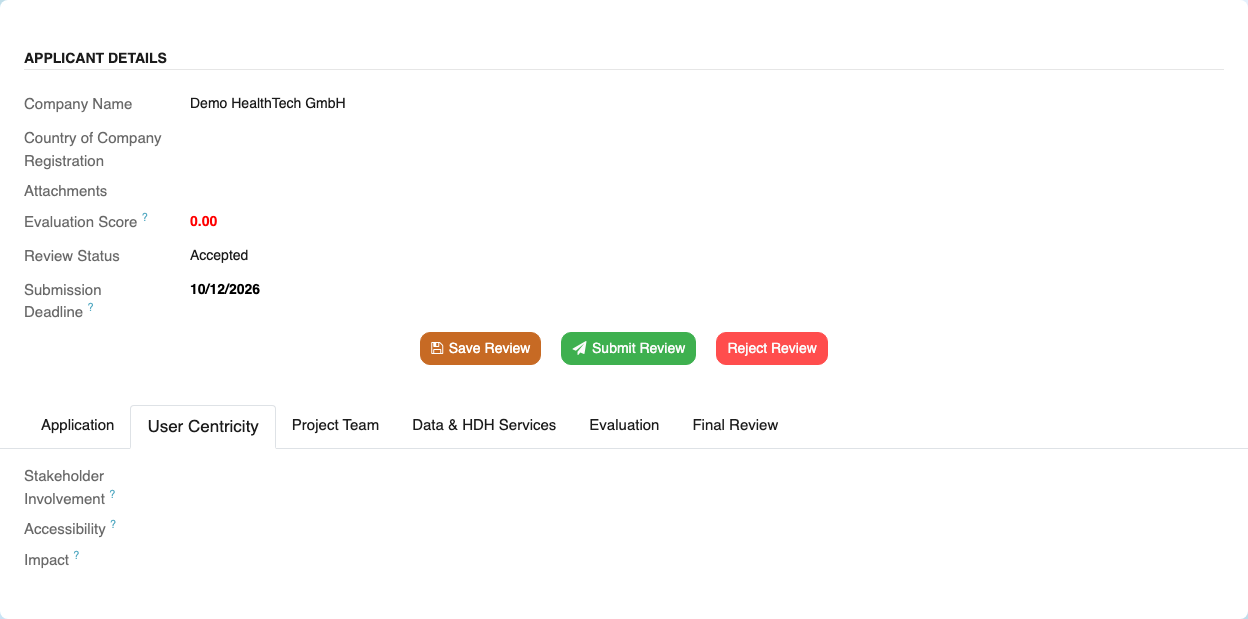
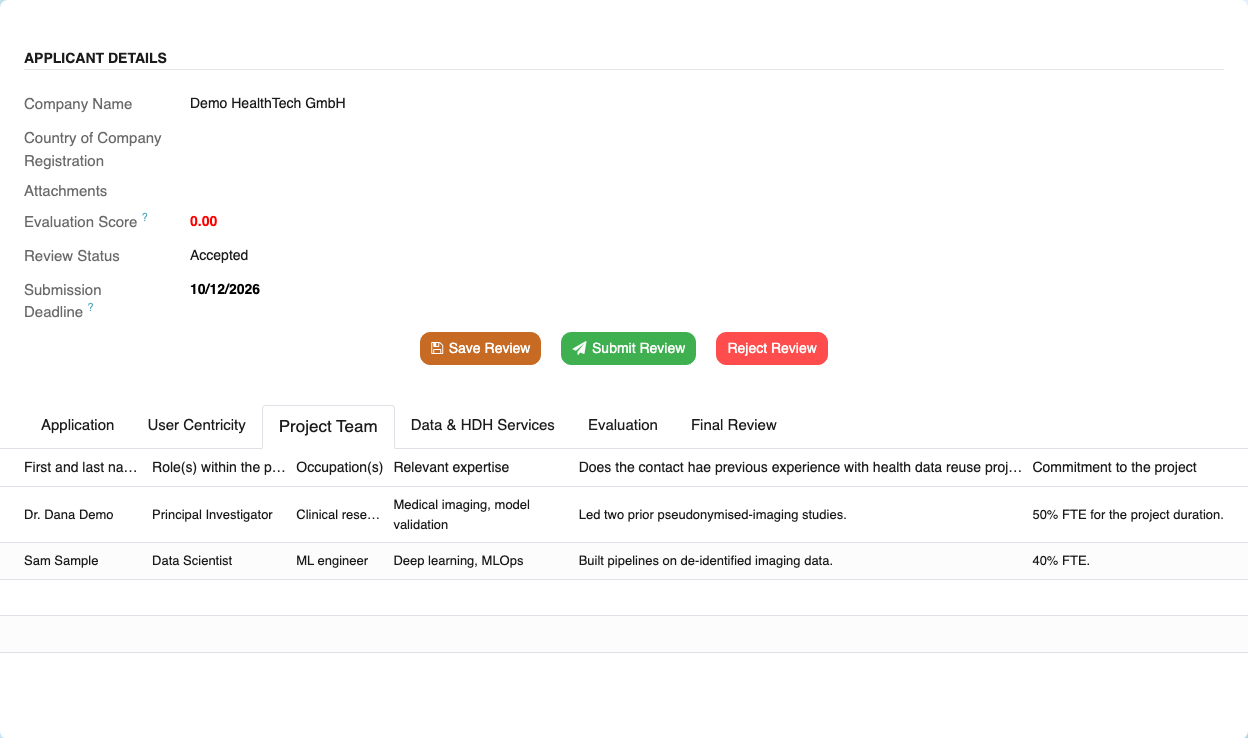
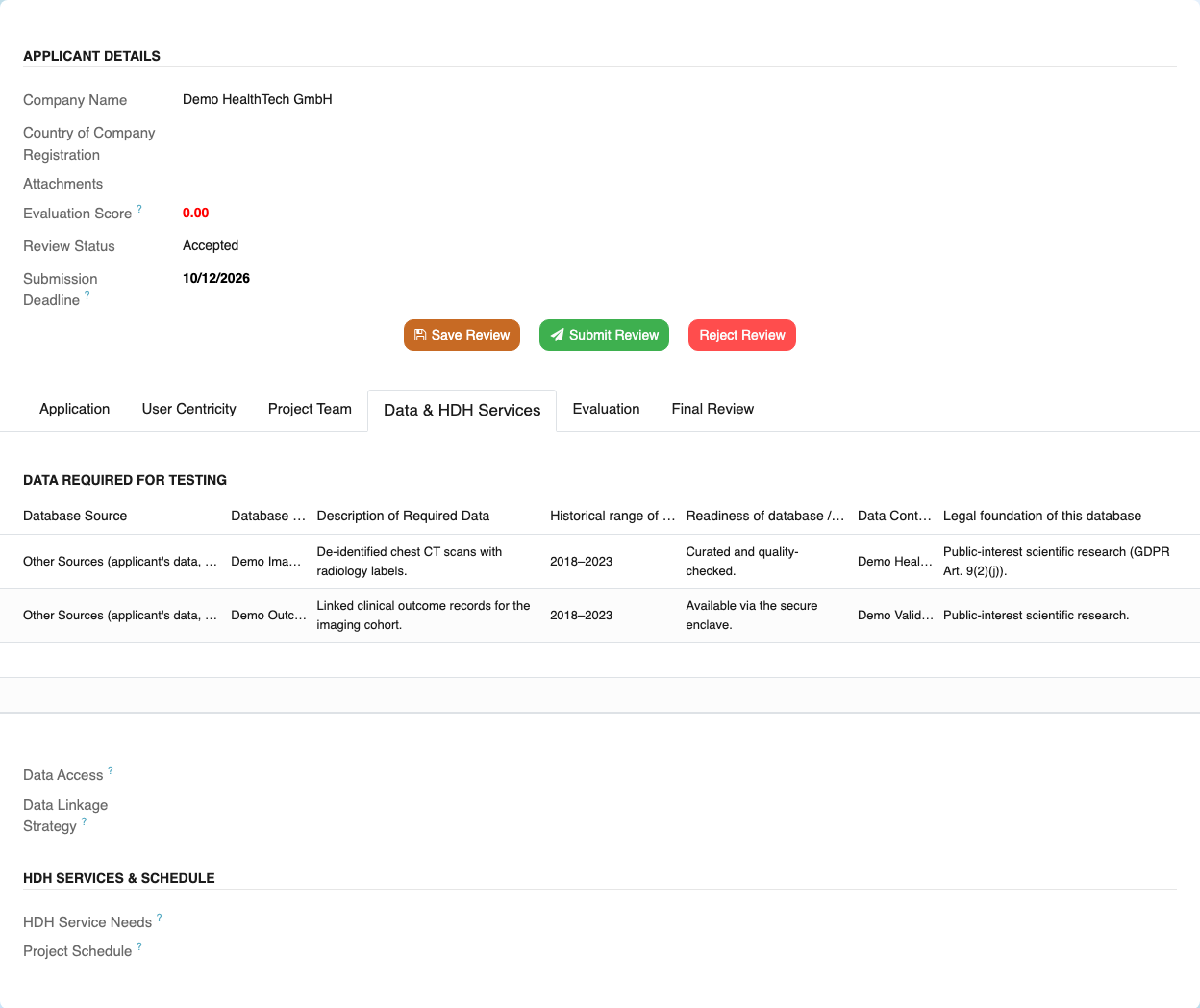
A Call 3 review opens with tabs that mirror the HDH application, so you see exactly what the applicant submitted before you score it. Only the fields the Call 3 application gathers are shown.
The Application tab — key project features and the project overview:
The User Centricity and Project Team tabs:
The Data & HDH Services tab — requested datasets, data access, and the HDH services needed:
The Evaluation tab — the HDH rubric grouped by category, scored with radio buttons, with each group's weight shown in its total:
Filling out a call-specific evaluation
- Open your assigned review and go to the Evaluation tab.
- For each criterion, pick a rating from the radio buttons. The available ratings come from the call's scale — there is no neutral option, so you always take a clear position.
- Add a comment where it helps; some criteria may require one.
- Write your Overall Review and confirm no conflict of interest on the Final Review tab.
- Use Save Review to keep a draft, or Submit Review when you are done.
Submission checks
You cannot submit until every criterion has a rating (and any criterion that requires a comment has one). Your Evaluation Score is the weight-weighted average of your ratings, on the same 1–7 scale.
For coordinators: editing a rubric
A call's rubric is configurable — no code change is needed to adjust it. Coordinators manage criteria under TEF Coordinator → Summary → Evaluation Setup, or directly on the call via the Evaluation Criteria tab of the call form. A call with no criteria simply falls back to the standard AI/Robotics rubric, and the criteria weights should add up to 100%.