Linking to a Section
Every major section of the public website has its own address. Adding # and the section name to the site URL opens the page with that section already in view, which saves the reader scrolling to find what you meant.
Use these in newsletters, slide decks, QR codes, and email replies.
Homepage sections
| Link | Opens |
|---|---|
https://tefhealth.eu/#Home |
The opening section, with the innovation-cycle wheel |
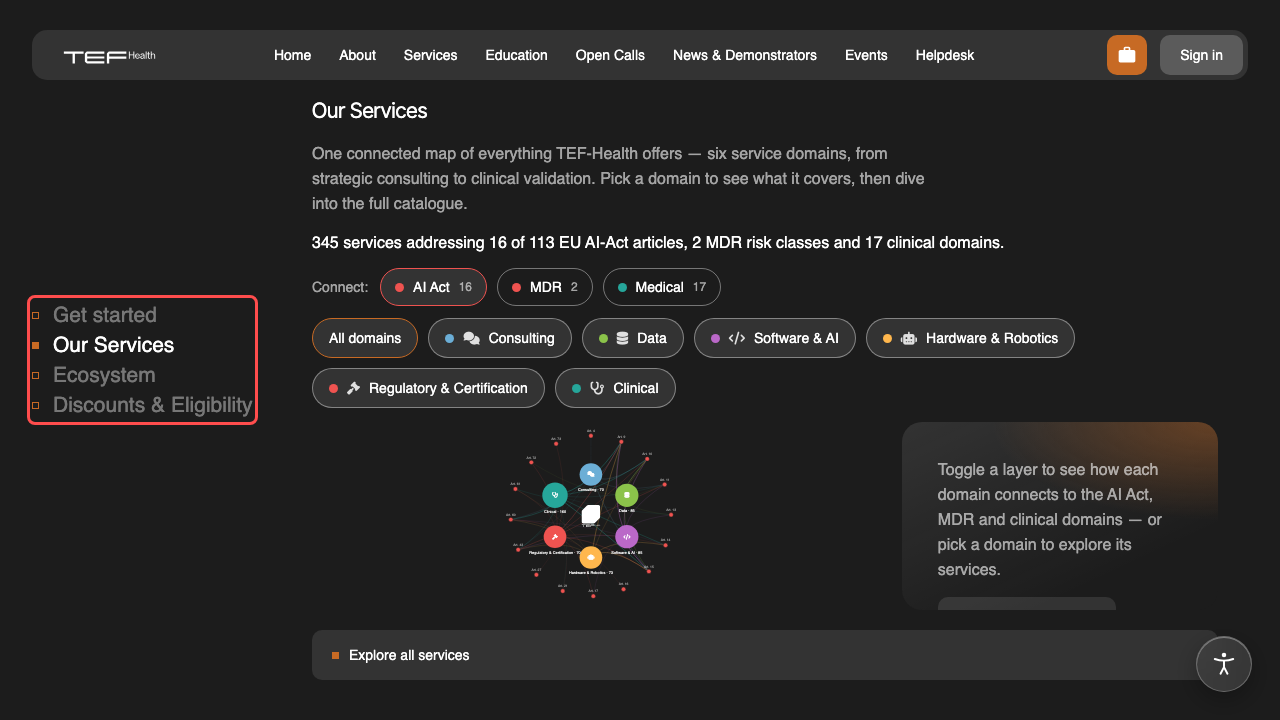
https://tefhealth.eu/#OurServices |
The service overview and category graph |
https://tefhealth.eu/#ThePlatform |
The platform film, while one is published, and the platform in numbers: services in the catalogue, institutions, member states, users and organisations that asked for support. https://tefhealth.eu/platform leads here too |
https://tefhealth.eu/#Impact |
What the network has delivered: the figures, the map, readiness and company size. https://tefhealth.eu/impact leads here too |
https://tefhealth.eu/#SuccessStories |
The three latest success stories |
https://tefhealth.eu/#DiscountsEligibility |
How SMEs qualify for a discount |
About-page sections
| Link | Opens |
|---|---|
https://tefhealth.eu/about#WhatIsTEF |
What TEF-Health is |
https://tefhealth.eu/about#PartnersAndNodes |
The partner and node map |
https://tefhealth.eu/about#Coordination |
How the consortium is coordinated |
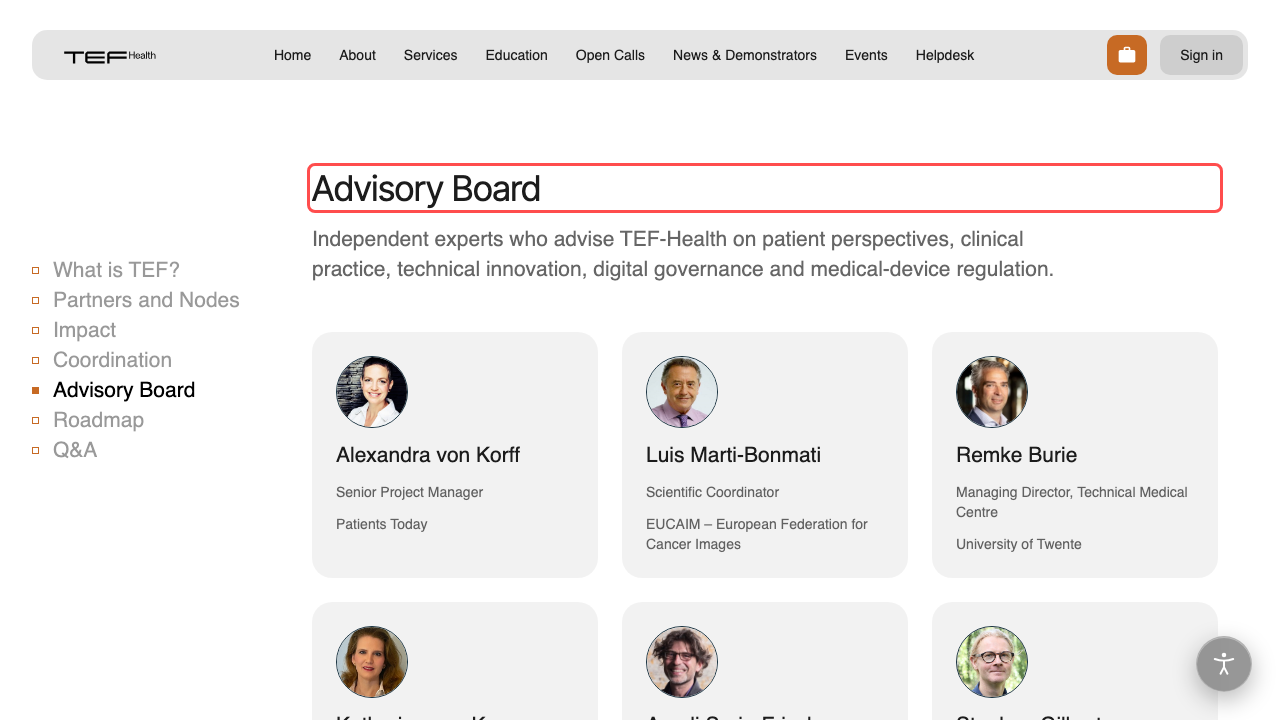
https://tefhealth.eu/about#AdvisoryBoard |
The advisory board |
https://tefhealth.eu/about#Roadmap |
The project roadmap |
https://tefhealth.eu/about#QandA |
Frequently asked questions |
Copying a link from the page
Scroll down on the homepage or the about page and a labelled rail appears at the left edge, one row per section. Right-click the row you want and choose Copy link address to get the exact link, so you never have to type the # name by hand.
Capitalisation matters
#OurServices works and #ourservices does not. Copying the link from the rail avoids the problem.
Individual services have their own shareable address too, covered in the service catalogue page.